Color Switch
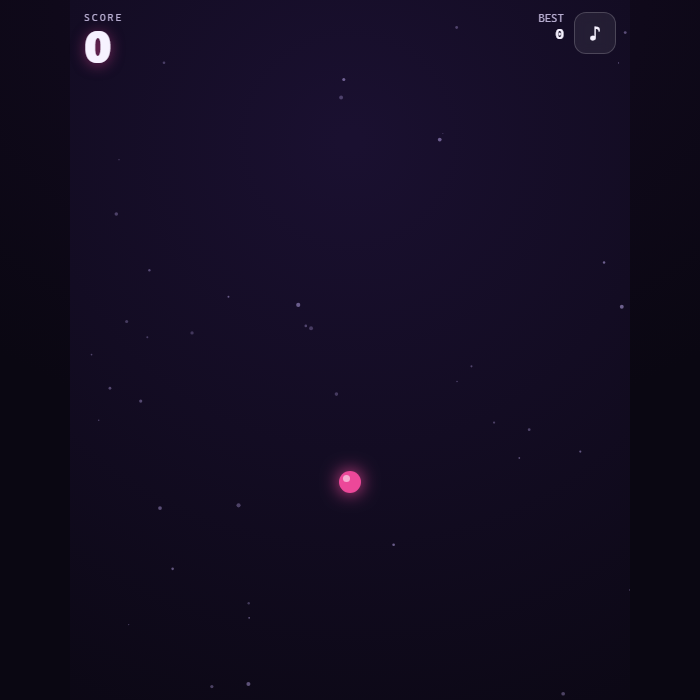
A one-tap arcade ascent. Flap a glowing ball upward through an endless tower of spinning multi-color rings, crosses, and bars — but you can only pass through the segment that matches your current color. Grab color-switch pickups, time your flaps, and climb as high as you dare.
About Color Switch
Color Switch is a fast, minimalist one-button arcade climber built entirely with HTML5 Canvas and synthesized WebAudio — no images, no network, no fuss. You control a single luminous ball that constantly fights gravity. Every tap gives it a small upward flap, and your goal is to thread it up through a vertical gauntlet of rotating obstacles. Each obstacle is split into four colored quarters, and your ball wears one of those colors at any moment: only the matching quarter is safe to touch. Color-swap pickups floating between the rings hand you a fresh color, so the puzzle is always changing under your fingers. The obstacles spin faster and arrive closer together the higher you climb, turning a calm rhythm game into a white-knuckle test of timing and color reading. There are no levels and no finish line — just your best score and the next near-miss.
How to play Color Switch
The ball starts at the bottom and gravity is always pulling it down. Tap the screen, click, or press Space to give it an upward flap — repeated taps keep it rising. As you ascend you reach rotating obstacles divided into four colored segments. Watch your ball's current color (it glows that color) and steer it so it slips through the matching segment as the obstacle spins; touching any other color ends the run. Between obstacles, fly into the spinning four-color pickup to switch your ball to a new color for the next obstacle. Each obstacle you clear scores one point. The climb is endless and gets faster, so settle into a flap rhythm, read the colors early, and push for a new best.
Controls
Tap / Click / Space (or Enter, Up arrow, W) to flap the ball upward. M toggles mute. The on-screen Play and Play again buttons start a fresh run. Everything is playable by touch, mouse, or keyboard.
Tips & tricks
- Tap in a steady rhythm rather than mashing — small, regular flaps keep the ball at a controllable rising speed.
- Read the spinning segment one beat ahead: aim for where the matching color will be when you arrive, not where it is now.
- Hover just below an obstacle and let it rotate the safe color toward you before you commit to the pass.
- Always grab the color-switch pickup — skipping it leaves you the wrong color for the next ring.
- As the spin speeds up, pass closer to the obstacle's edge where the segments are narrower but the gap window is more predictable.
Frequently asked questions
How do you play Color Switch?
The ball starts at the bottom and gravity is always pulling it down. Tap the screen, click, or press Space to give it an upward flap — repeated taps keep it rising. As you ascend you reach rotating obstacles divided into four colored segments. Watch your ball's current color (it glows that color) and steer it so it slips through the matching segment as the obstacle spins; touching any other color ends the run. Between obstacles, fly into the spinning four-color pickup to switch your ball to a new color for the next obstacle. Each obstacle you clear scores one point. The climb is endless and gets faster, so settle into a flap rhythm, read the colors early, and push for a new best.
What are the controls for Color Switch?
Tap / Click / Space (or Enter, Up arrow, W) to flap the ball upward. M toggles mute. The on-screen Play and Play again buttons start a fresh run. Everything is playable by touch, mouse, or keyboard.
Is Color Switch free to play online?
It is. Color Switch costs nothing to play here — no account, no app store, no paywall. Just open the page and go.
Can I play Color Switch on mobile?
Yes. Color Switch works in any modern mobile browser with full touch support, so it plays on phones and tablets as well as on a laptop or desktop — nothing to install.
Who made Color Switch?
Color Switch was built in-house by the GameStudioHub team using open web technology (HTML5), which is why it runs instantly without any download.
More free arcade games
Color Switch is one of many free arcade games on GameStudioHub. Browse the whole Arcade collection, or head back to the home page to explore every category.